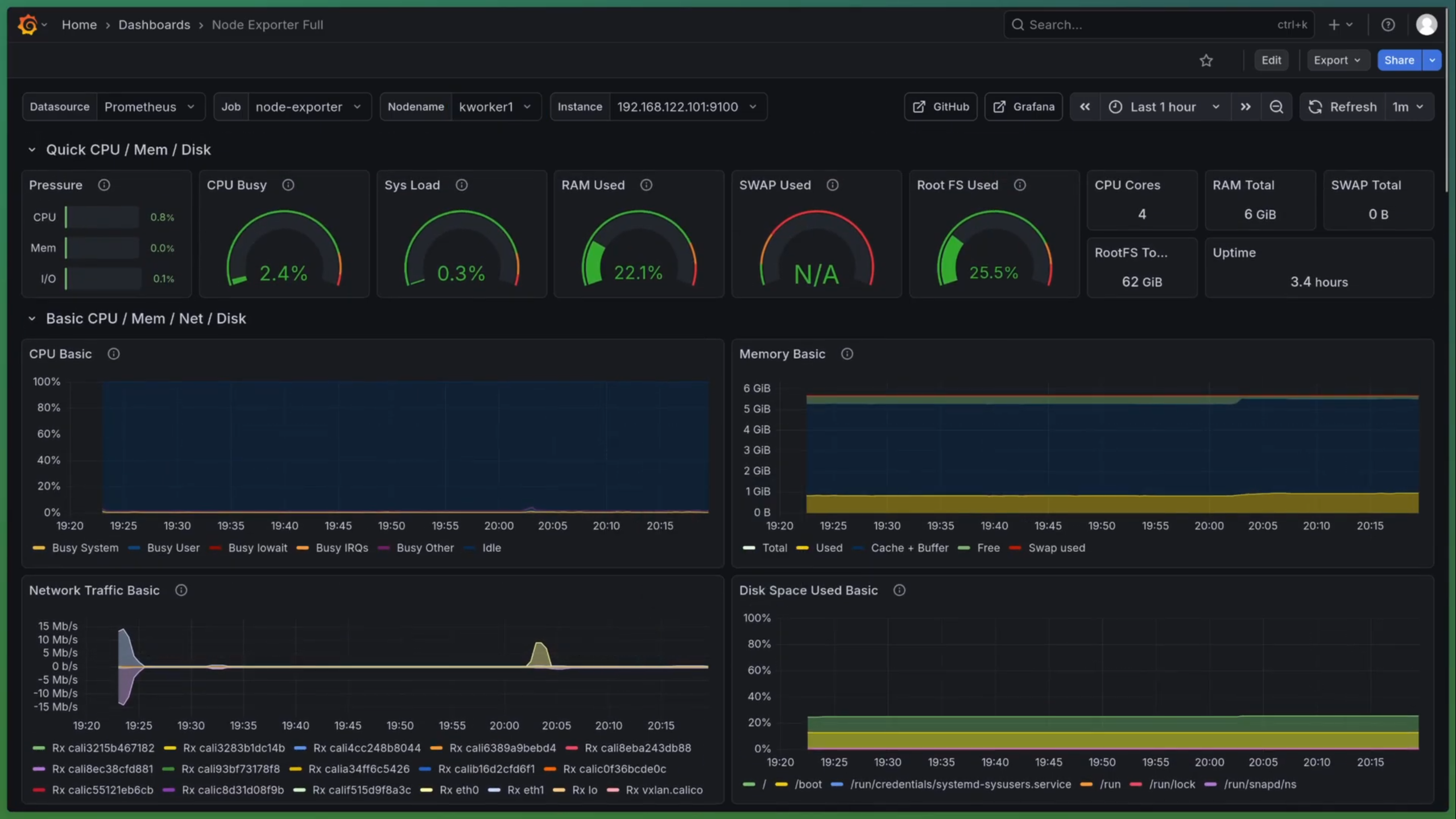
Having a robust monitoring stack on Kubernetes is essential to ensure the reliability, performance, and security of your applications and infrastructure.With real-time dashboards and correlated insights, the teams can optimize resource usage, enforce SLOs, and minimize downtime for modern cloud-native environments.
VIDEO 🎞️ Watch Video
Prerequisites: Kubernetes cluster Helm 3.x 0r 4.x kubectl configured Kube-prometheus-stack Set Up Namespace and Helm Repositories 1
kubectl create namespace monitoring
Add the Prometheus Helm Repository 1
helm repo add prometheus-community https://prometheus-community.github.io/helm-charts && helm repo update
1
helm show values prometheus-community/kube-prometheus-stack > prometheus-stack-values.yaml
1
helm install prometheus prometheus-community/kube-prometheus-stack --namespace monitoring --version 79.8.2 -f prometheus-stack-values.yaml
Check the status of the deployment 1
2
3
4
5
kubectl get pods -n monitoring
kubectl describe pod prometheus-grafana-<pod-id> -n monitoring
kubectl logs prometheus-grafana-<pod-id> -n monitoring -c grafana
Accessing the grafana dashboard using portforward 1
kubectl port-forward svc/prometheus-grafana -n monitoring 3000:80
Loki Deploying Loki for Persistent Log Aggregation 1
2
3
helm repo add grafana https://grafana.github.io/helm-charts
helm repo update
helm upgrade --install loki grafana/loki-stack --version 2.10.3 -f loki-value.yaml -n monitoring
🔗 Reference Links: